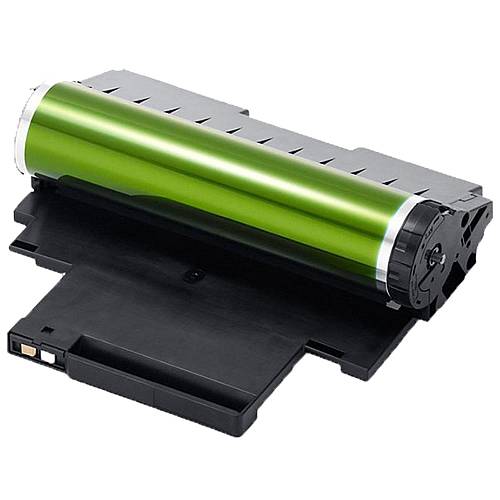
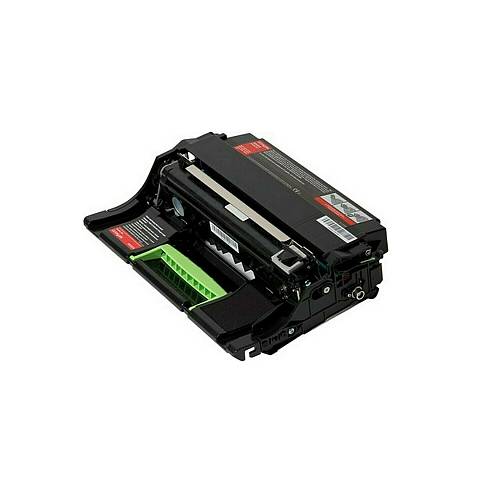
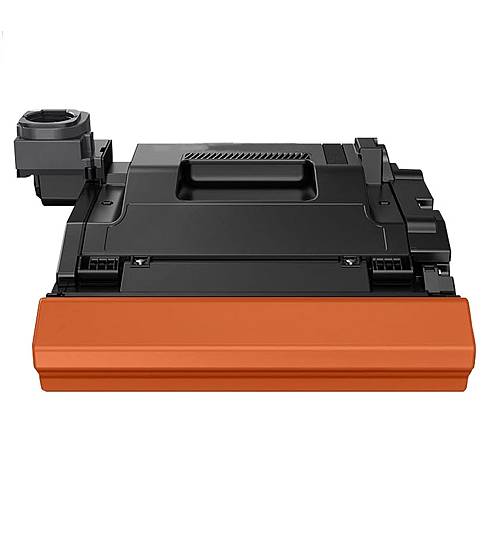
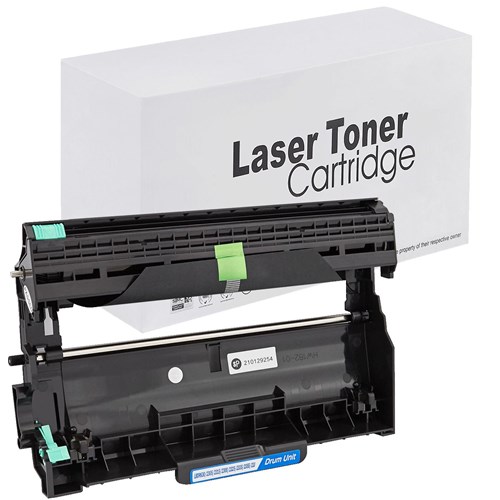
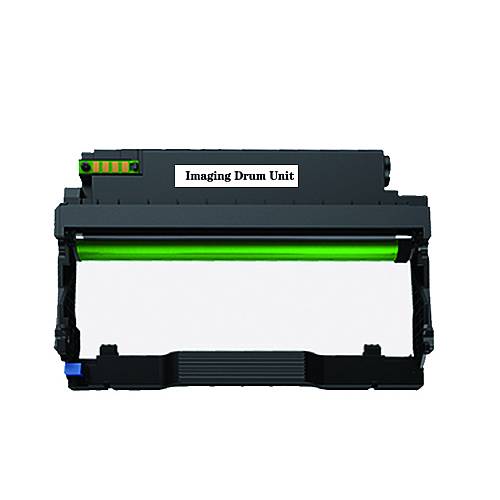
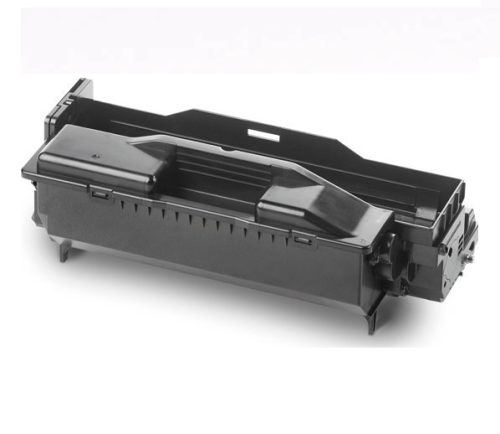
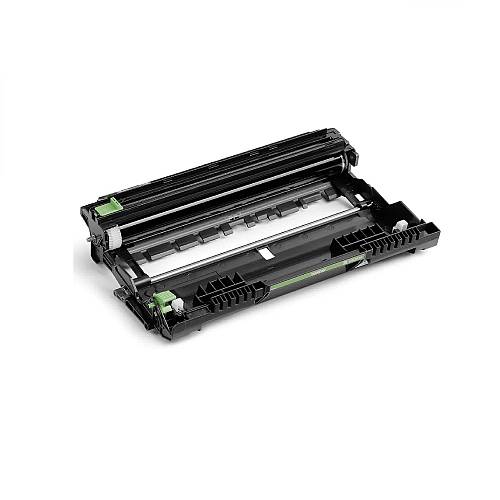
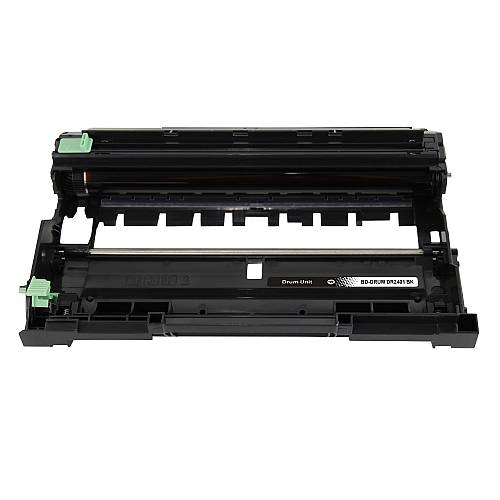
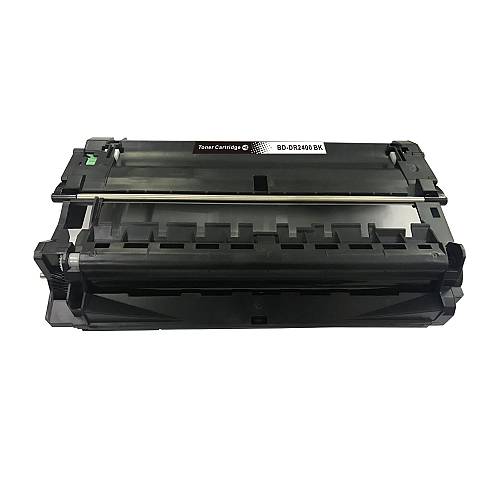
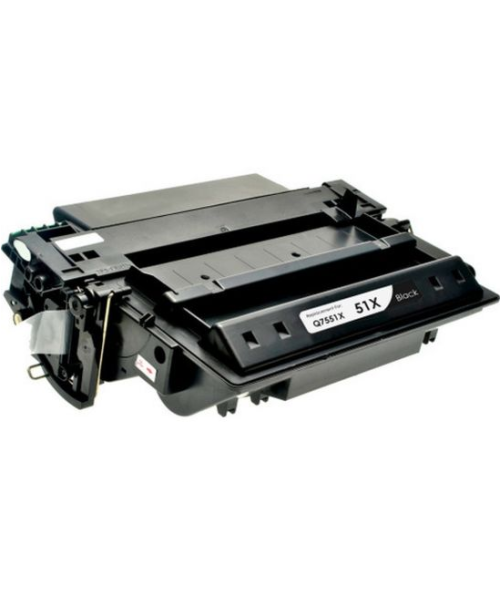
Brother Premium Συμβατό Drum DR2400 BLACK(12000)
Κωδικός: 1000020863
10,00€
Διαθέσιμο έως 12 ημέρες
Brother HLL2310D, HLL2350DN, HLL2370DN, HLL2375DW, DCPL2510D, DCPL2530DW, MFCL2710DN, MFCL2730DW, MFCL2750DW,HL L2310D, HL L2350DN, HL L2370DN, HL L2375DW, DCP L2510D, DCP L2530DW, MFC L2710DN, MFC L2730DW, MFC L2750DW, HL-L2310D, HL-L2350DN, HL-L2370DN, HL-L2375DW, DCP-L2510D, DCP-L2530DW, MFC-L2710DN, MFC-L2730DW, MFC-L2750DW (TN2410)
Τύπος Εκτυπωτή : Ασπρόμαυρος
Χρώμα : BLACK
Μέγιστη Απόδοση : 12000 σελίδες (5% κάλυψη σελίδας)
Εργοστασιακά κατασκευασμένο αναλώσιμο, με εγγύηση καλής λειτουργίας και ποιότητας !
RESET DRUM
Brother HL L series : HL-L2310D HL-L2350DW HL-L2370DN HL-L2375DW
- The procedure for resetting the DR-2400 drum counter must be performed with the printer switched ON and the lid of the printer CLOSED
- Remove and reinstall the drum, including the toner cartridge, into your printer and close the printer cover.
- Press OK and simultaneously press the ▲.
- Press OK to select 'Drum'.
- Press ▼ to reset the drum counter.
Brother multifunction printers: DCP-L2510D DCP-L2550DN MFC-L2710DN MFC-L2710DW
- The procedure for resetting the DR-2400 drum counter must be performed with the printer switched ON and the lid of the printer CLOSED
- Remove and reinstall the drum, including the toner cartridge, into your printer and close the printer cover.
- Press OK and simultaneously ▲.
- Press OK to select 'Drum'.
- Press ▲ to reset the drum counter.
Brother MFC L : MFC-L2730DW MFC-L2750DW printers
- The procedure for resetting the DR-2400 drum counter must be performed with the printer switched ON and the lid of the printer CLOSED
- Remove and reinstall the drum, including the toner cartridge, into your printer and close the printer cover.
- Press the symbol ⌧
- Press and hold for five seconds
- Press 'Drum' and then further confirm your selection by pressing 'Yes'
Στείλτε μια ερώτηση για το προϊόν